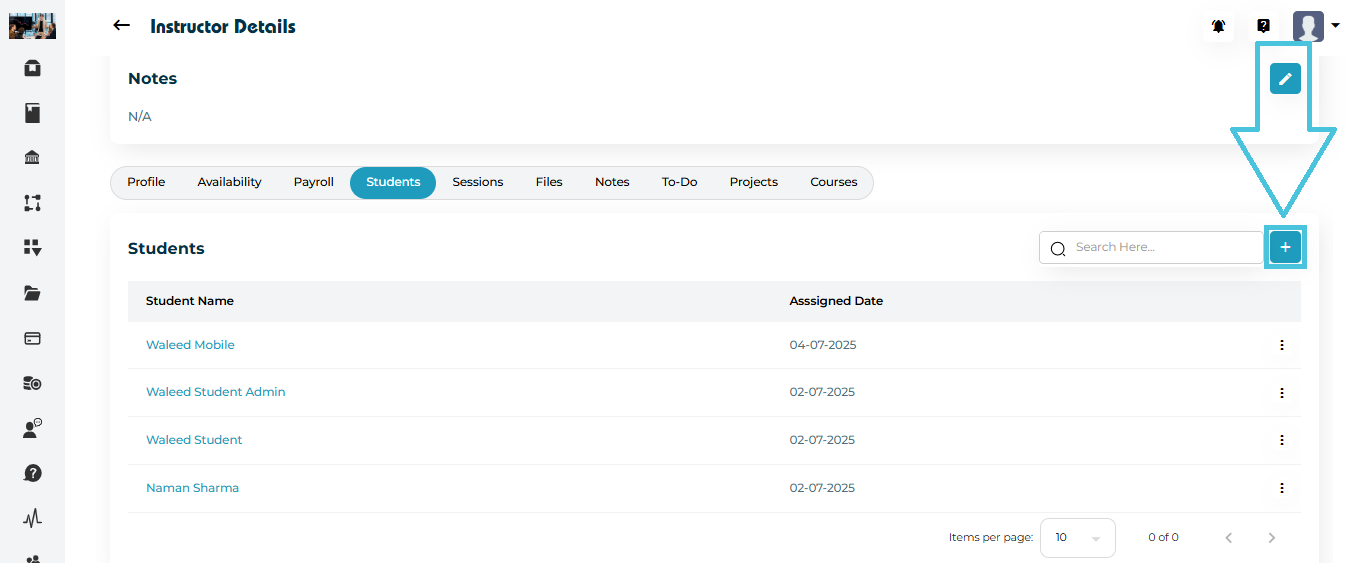
Steps to Assign Students
Go to Instructor Details → Students tab.
Click the blue (+) Add button at the top right.
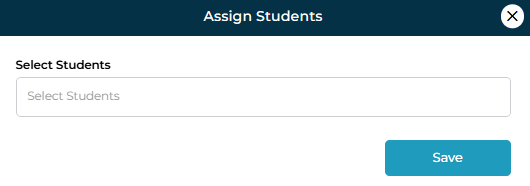
The Assign Students modal will appear.
Use the dropdown field to select one or multiple students.
Click Save.
The system will instantly link the selected students to that instructor and display them in the list along with the Assigned Date.
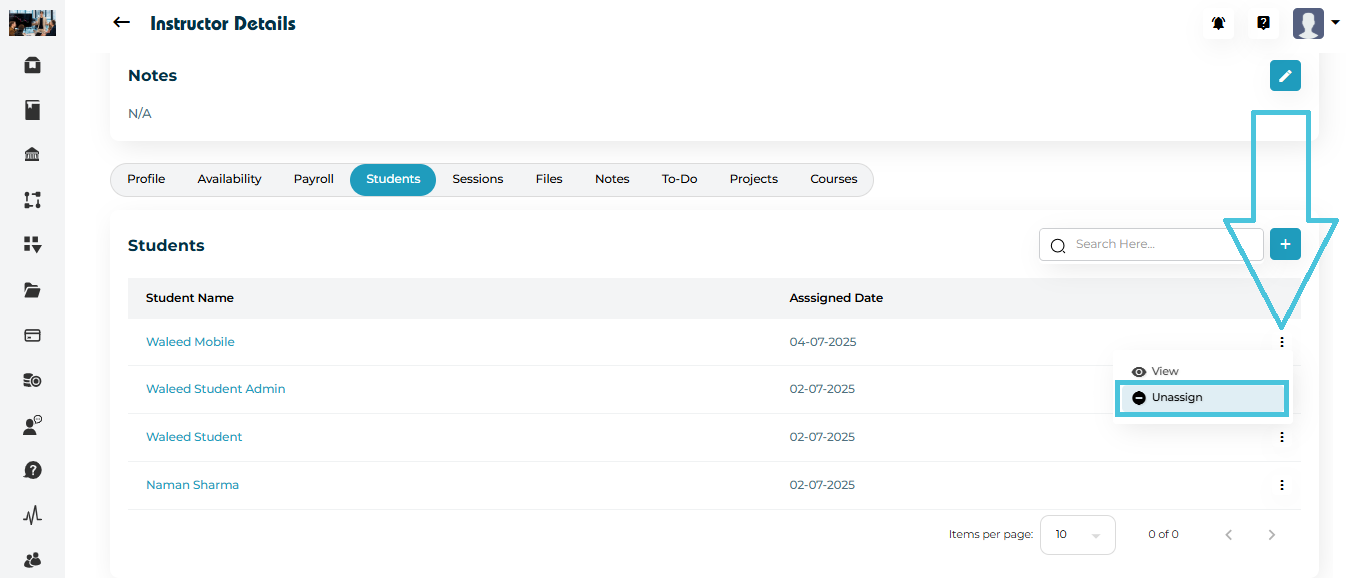
Open the Students tab.
Click the three-dot menu beside the student’s name.
Select Unassign.
The student disappears from the instructor’s list immediately.